Thermal Imaging Camera
& Fireground Operations
Tactical use, display interpretation, and safety limitations
Think of the TIC like a human eye entering a dark room. If you aim directly at the brightest light source first, your eye can't adjust - everything else goes dark. A TIC works the same way.
If you point the camera at the hottest object immediately, the sensor overexposes to that heat signature and loses the ability to read the surrounding environment accurately. The self-calibration shutter can't compensate fast enough. Start low (toes), sweep gradually, and let the camera build its thermal picture from cool to hot - not the other way around.
⚠️ This is especially critical during flashover conditions where the entire room is radiating - always enter with the camera scanning low to calibrate before reading the ceiling.
The TIC is NOT a replacement for sound firefighting tactics. It is a decision-support tool. Never let the camera override your training, situational awareness, or common sense.
ETT (Electronic Thermal Throttle): Highlights the hottest objects in blue for pinpoint identification during overhaul or low-temp scenes. First few button presses = most value.
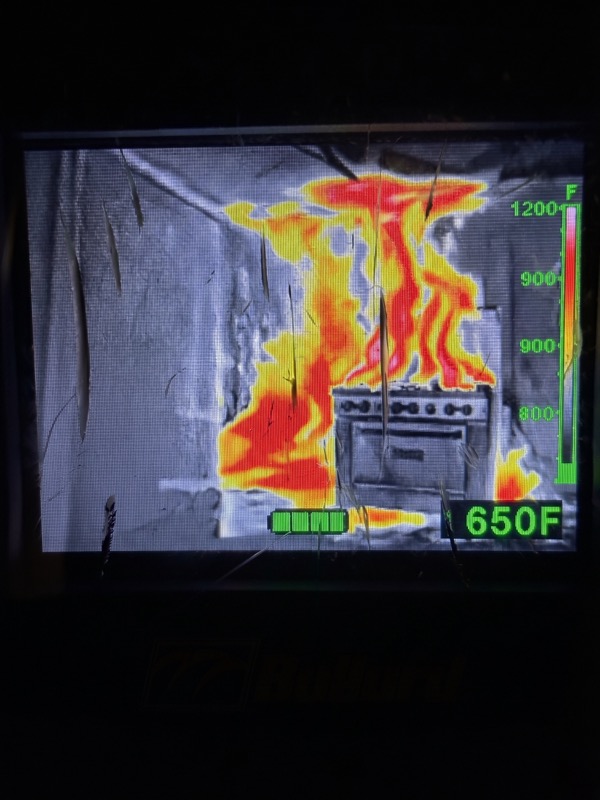
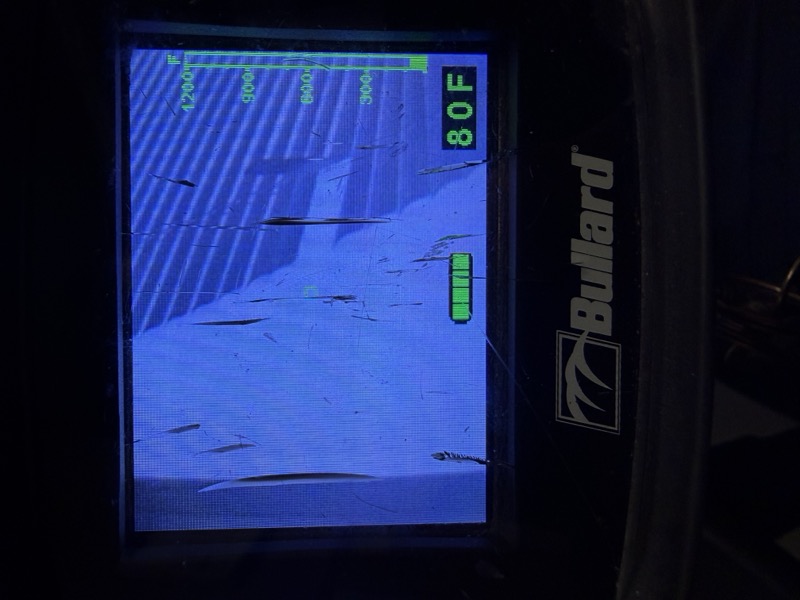
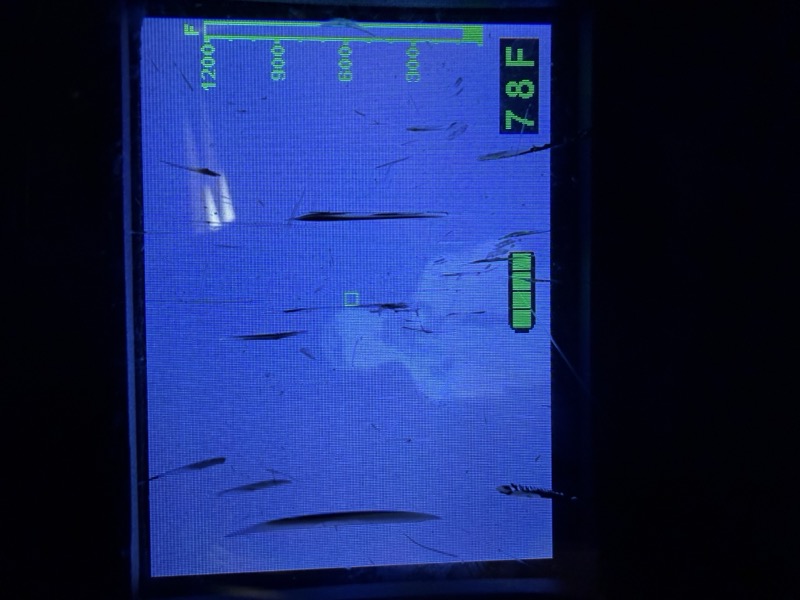
Scan exterior walls, windows, and roof from a safe distance. Identify heat buildup patterns and fire location before committing crews.
TIC the door before opening. Hot door = fire directly behind. Check top-to-bottom for heat distribution. High at top = thermal layer close.
Sweep ceiling, walls, and floor. Note the thermal gradient. Watch for victims (warm signatures low/on floor). Identify travel path to the seat of fire.
Use TIC to confirm water is hitting the seat of fire (steam, cooling visible). Scan for extension into adjacent rooms, void spaces, and above ceilings.
Human body = bright white signature at ~98°F. Use TIC to guide victim removal. Bodies cool rapidly - a cool victim in a hot room is still a priority find.
Switch to ETT to contrast cool background vs. hot spots. Scan behind walls, above ceilings, below floors. Activate on insulation, structural members, baseboards.
The TIC cannot see through glass windows or metallic surfaces. What you see is the surface temperature of the material - not what's behind it. A closed window appears opaque on TIC.
Shiny metals (aluminum, stainless steel) reflect thermal energy from nearby sources and display inaccurate temperatures. Verify all metal surface readings through traditional means before making tactical decisions.
Temperature readings degrade significantly with distance. The farther you are from an object in the measurement zone, the less reliable the numeric readout. Use it as a relative guide, not a precise thermometer.
Never point at the sun or direct radiant heat sources - permanent damage to the sensor. Store in protective case or truck mount between uses. Clean lens with soft cloth only - no solvents. Charge batteries every two weeks in storage.
© The Firefighter Medic — All rights reserved. Unauthorized reproduction prohibited.
Tactical reference specific to the Bullard Eclipse LDX Thermal Imager. Features and display indicators may vary on other TIC models.
Source: Bullard Eclipse LDX User Manual + Tactical Standards | For educational use only